
































Login to PH365: Complete Guide for Filipino Players
Login to PH365 should take only a few seconds once your account is set up, but a surprising number of players run into small snags the first few times — a forgotten username, a browser that will not save credentials, or a login that works on desktop but not on mobile. This guide covers everything related to logging in to PH365: what to have ready, the exact steps, what to do when login fails, and how to keep your session secure once you are in.
If you have not registered yet, you will need an account before you can log in at all — see our separate registration guide for that process. This page assumes you already have a PH365 username and password and focuses entirely on getting back into your account smoothly every time.
What You Need Before You Login to PH365
Before you attempt to login, have two things ready: your Member Account (the username you chose during registration) and your password. Both are case-sensitive, so a password typed with the wrong capitalization will not work even if every letter and number is otherwise correct.
It helps to keep your username and password somewhere safe — a password manager is the most reliable option, since it removes the need to remember exact spelling or capitalization. Avoid writing your password in a place anyone else has access to, including notes apps that sync across shared devices.
If you are logging in from a new phone or a browser you have not used before, make sure you are on the official ph365s.ph address. Phishing pages designed to look like the real login screen are one of the most common ways accounts get compromised, and they often appear through ads or links shared outside the official site.
How to Login to PH365 Step by Step
The login process has three steps once you are on the correct site.
Step 1: Go to the Official PH365 Website
Open your browser and visit ph365s.ph directly, either by typing the address yourself or using a bookmark you saved after your first visit. Avoid clicking login links sent through chat messages or unfamiliar posts, even if they look like they lead to PH365.
Step 2: Click the Login Button
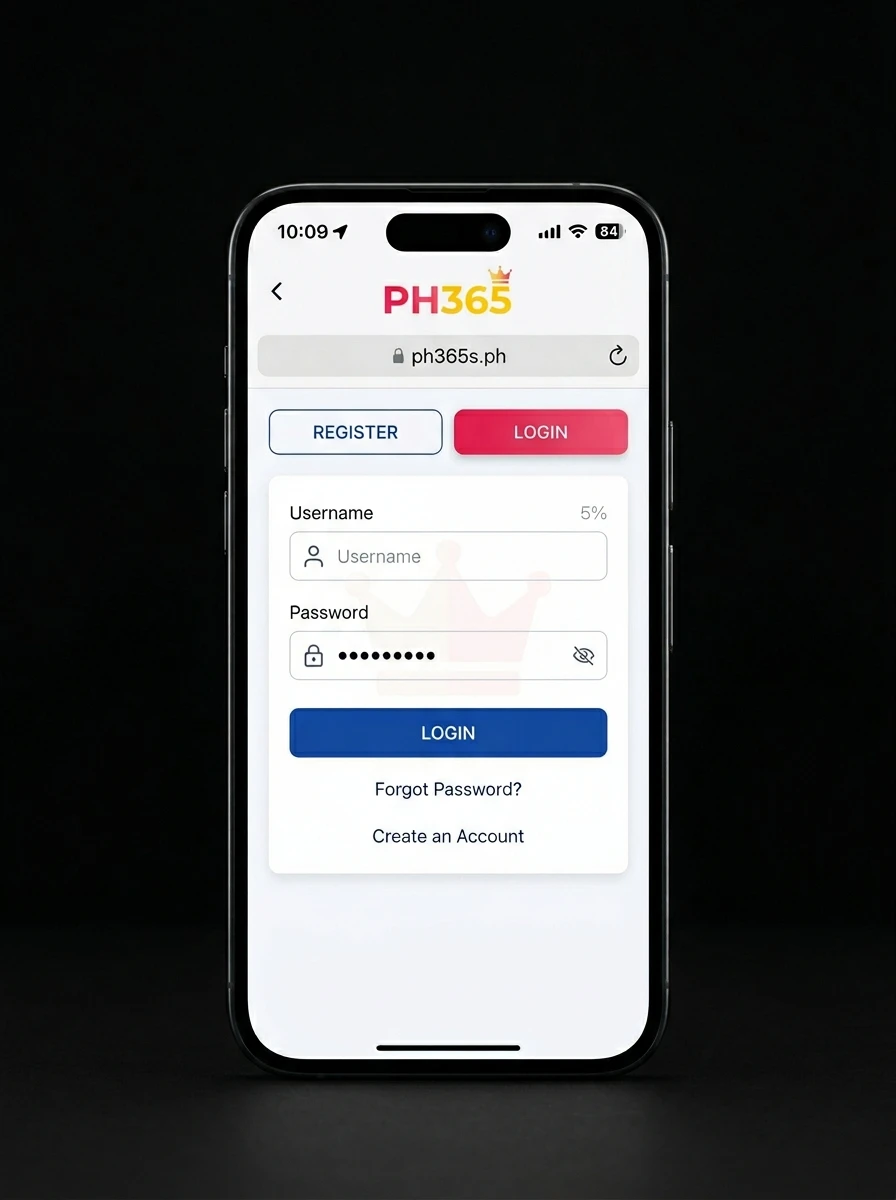
On the homepage, find the Login button, usually positioned near the Register button at the top of the screen. Clicking it opens a short form with two fields.
Step 3: Enter Your Username and Password
Type your Member Account username into the first field and your password into the second. Double-check both before submitting, especially on mobile where autocorrect or autocapitalize features can quietly change what you typed. Once both fields are correct, click Login, and you should land on your account dashboard within a few seconds.
If your browser offers to save your password after a successful login, this is safe to accept on a personal device but should be declined on any shared or public computer.


How to Login to PH365 on Mobile
Logging in on mobile works the same way as desktop, just through a smaller screen. Open Chrome or Safari, go to ph365s.ph, and tap Login. The form adjusts automatically to fit a phone screen, and the fields work the same way — username first, password second.
A few mobile-specific habits help here. Disable autocapitalize for the password field if your keyboard adds it automatically, since PH365 passwords are case-sensitive and an auto-capitalized first letter is a common reason mobile logins fail on the first attempt. If you bookmarked the site or saved it to your home screen, make sure that shortcut still points to the official address — bookmarks created a long time ago occasionally point to outdated or incorrect URLs if the site structure has changed.
Common Login Problems and How to Fix Them
Most login issues fall into a handful of categories, and almost all of them have a quick fix.
Incorrect username or password. This is by far the most common issue. Check for accidental capitalization, extra spaces before or after your entry, and confirm you are not mixing up your Member Account username with the mobile number or email you used during registration. If you are confident your password is correct but it keeps failing, use the Forgot Password option rather than repeatedly guessing, since too many failed attempts can temporarily lock an account.
Forgotten password. If you cannot remember your password at all, use the Forgot Password link on the login page rather than trying to recall it through trial and error. Our dedicated password recovery guide covers that process step by step.
Account temporarily locked. Accounts can lock automatically after several failed login attempts in a short period, as a security measure. Waiting a short while before trying again, or using the Forgot Password option to reset your credentials, usually resolves this.
Browser issues. An outdated browser, a corrupted cache, or browser extensions that block scripts can occasionally prevent the login form from working correctly. Clearing your browser cache, trying a different browser, or disabling ad-blocking extensions temporarily often solves login pages that look frozen or fail to respond.
Wrong website address. Typing the URL slightly incorrectly can land you on a fake or outdated page where login simply will not work, or worse, where entering your details puts your account at risk. Always confirm you are on the official ph365s.ph address before troubleshooting anything else.
How to Keep Your PH365 Login Secure
Once you are logging in regularly, a few habits keep your account safer over time. Use a password that is not shared with any other account you hold, since reused passwords are one of the most common ways accounts get compromised when a different platform suffers a data breach. Avoid saving your login on shared or public devices, and log out manually when you are finished playing on any device other than your own.
Be cautious of messages claiming to be from PH365 that ask you to “verify” your login by clicking a link or entering your password somewhere outside the official site. Legitimate communication from PH365 will never ask for your password directly, through chat, email, or any other channel.
If you ever suspect your login details have been seen by someone else, change your password immediately through the official site rather than waiting to see if anything happens.
Login Issues Related to Your Account Status
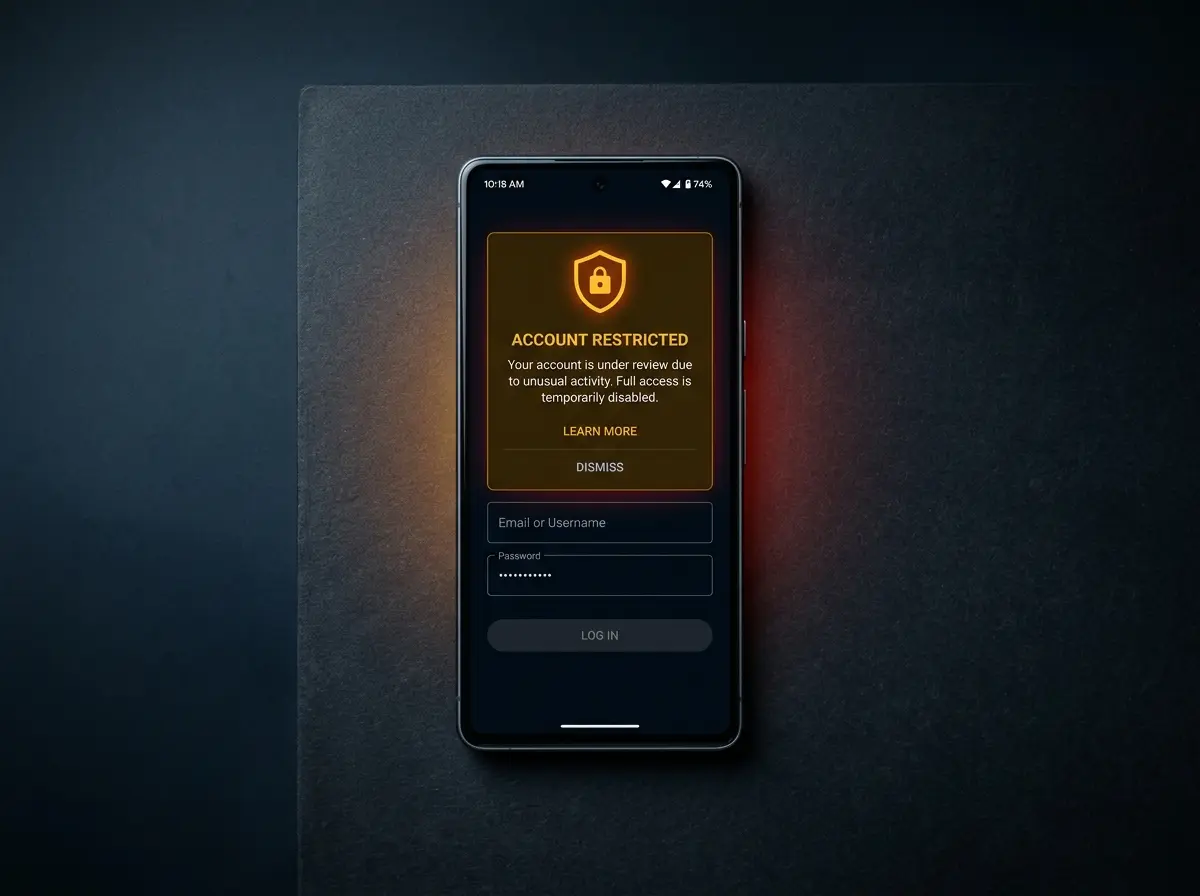
A small number of login problems are not about your username or password at all, but about the account itself. An account flagged for a terms violation, or one placed under review for unusual activity, may be temporarily restricted from logging in until the issue is resolved. This is different from a standard lockout caused by repeated failed password attempts.
If you have tried every troubleshooting step above and still cannot log in, it is worth confirming there is no restriction on the account itself before assuming the problem is technical.
Responsible Gaming
Logging in is the start of every session, which makes it a natural point to check in with yourself before you play. Decide on a budget before you log in, not after you are already a few rounds into a game. A limit set in advance is much easier to follow than one decided in the middle of a winning or losing streak.
PH365 operates under PAGCOR monitoring, and responsible gaming tools are available within the platform to help you set deposit or spending limits if you want more structure around your sessions. Treat gaming as entertainment rather than a source of income, and step away if it stops feeling that way.
If you or someone you know needs support with gaming habits, the PAGCOR Responsible Gaming office can be reached directly at ResponsibleGaming@pagcor.ph.
Frequently Asked Questions
Why does my login keep failing even though I am sure my password is correct?
Yes. Creating a PH365 account is free. You only spend money when you choose to make a deposit.
Can I login to PH365 with my mobile number instead of my username?
You must be at least 18 years old. You confirm this when you accept the registration agreement before submitting the form.
Is it safe to save my PH365 login on my phone?
Yes. The registration form works on both mobile browsers and the official PH365 app. No desktop required.
What should I do if I forgot both my username and password?
PH365 accepts GCash and Maya only. The minimum deposit and withdrawal amount is ₱100.
Why am I being asked to verify my identity when I try to login?
PH365 uses your registered name to verify withdrawals. If the name does not match your GCash or Maya account, your withdrawal will be blocked. Enter your real name at registration to avoid this issue.
Our Partners