






















Register PH365 — Create Your Account in Minutes
Ready to get started? Register PH365 today and join thousands of Filipino players already enjoying slots, live casino, and fishing games on the platform. The sign-up process is short and takes only a few minutes. You only need basic personal details and an active mobile number to open your account.
This guide walks you through every step of the PH365 registration process. It also covers what to prepare before you sign up, the welcome bonuses available to new members, tips for keeping your account secure, and common questions players ask after registering.
What You Need Before You Register PH365
Before you open the registration form, have the following ready:
- A username you plan to use when logging in (2 to 15 characters, must start with a letter, letters and numbers only, underscores allowed)
- A password (at least 6 characters, must include both letters and numbers)
- Your full name exactly as it appears on your GCash or Maya account
- Your active Philippine mobile number
The most important detail here is your full name. PH365 uses this to verify your identity when you withdraw. If the name on your account does not match the name on your payment account, your withdrawal can be blocked. Enter your real name from the start to avoid problems later.
A strong password also matters. Do not use your name, birthday, or simple patterns like 123abc. Use a mix of uppercase letters, lowercase letters, and numbers to make your account harder to access by others.
How to Register PH365 Step by Step
The registration form has five fields and a captcha. Here is how to complete each one.
Step 1 Visit the Official PH365 Website
Open your mobile or desktop browser and go to the official ph365s.ph website. Avoid third-party mirror links. Always use the official address to protect your account details. If you are unsure of the correct address, bookmark it after your first visit so you always land on the right page.
Step 2 Click the Register Button
On the homepage, look for the Register button. It is usually located at the top right of the screen. Tap or click it to open the registration form. The form loads quickly on both mobile and desktop.
Step 3 Fill In Your Account Information
Complete each field carefully:
Member Account
This is your login username. It must be between 2 and 15 characters long. It must start with a letter. You can use letters, numbers, and underscores. No spaces or special characters are allowed. Choose something easy for you to remember but not easy for others to guess.
Password
Create a secure password with at least 6 characters. It must contain both letters and numbers. Avoid using your name, mobile number, or birthdate as a password.
Confirm Password
Re-enter the same password to confirm it matches. Both entries must be identical before the form will accept your registration. If they do not match, the form will prompt you to try again.
Full Name
Enter your real name as it appears on your GCash or Maya account. This field is required for withdrawals. Do not use a nickname, a shortened version of your name, or an alias. An incorrect name will block your withdrawal later.
Mobile Number
Enter your active Philippine mobile number. Use the number linked to your GCash or Maya account. This makes your first deposit and withdrawal smoother.
Captcha
Complete the captcha shown on the form. This step confirms you are a real user and protects the platform from automated bots. Follow the instructions shown — it usually takes only a few seconds.
Step 4 Agree to the Terms
Read the registration agreement and check the box confirming that you are 18 years old or older and that you agree to the PH365 terms and conditions. Players under 18 are not allowed to register or play on the platform. This rule applies to all users regardless of location.
Step 5 Submit the Form
Click the Register or Submit button to complete your registration. Your account will be active right away. Go back to the homepage and log in using the username and password you just set. You are now ready to explore the platform and claim your welcome bonus.


Welcome Bonuses When You Register PH365
New members who register PH365 qualify for two welcome offers available right after sign-up.
100% First Deposit Bonus
When you make your first deposit after registering, PH365 credits a 100% welcome bonus to your account. If you deposit ₱100, you receive an additional ₱100 in bonus credits. This gives you more funds to try slots, fishing games, and live casino tables from the start. The bonus is applied to your first deposit only and is available to new members.
27 Peso App Download Bonus
Players who download the official PH365 mobile app receive a ₱27 free bonus after installation. This offer is separate from the first deposit bonus. You can claim it once your account is active and the app is downloaded on your device.
Check the full bonus terms on the PH365 promotions page before claiming. Bonuses may carry turnover requirements before winnings can be withdrawn. Read the conditions carefully so you know what is needed to release your bonus funds.
Payments After You Register
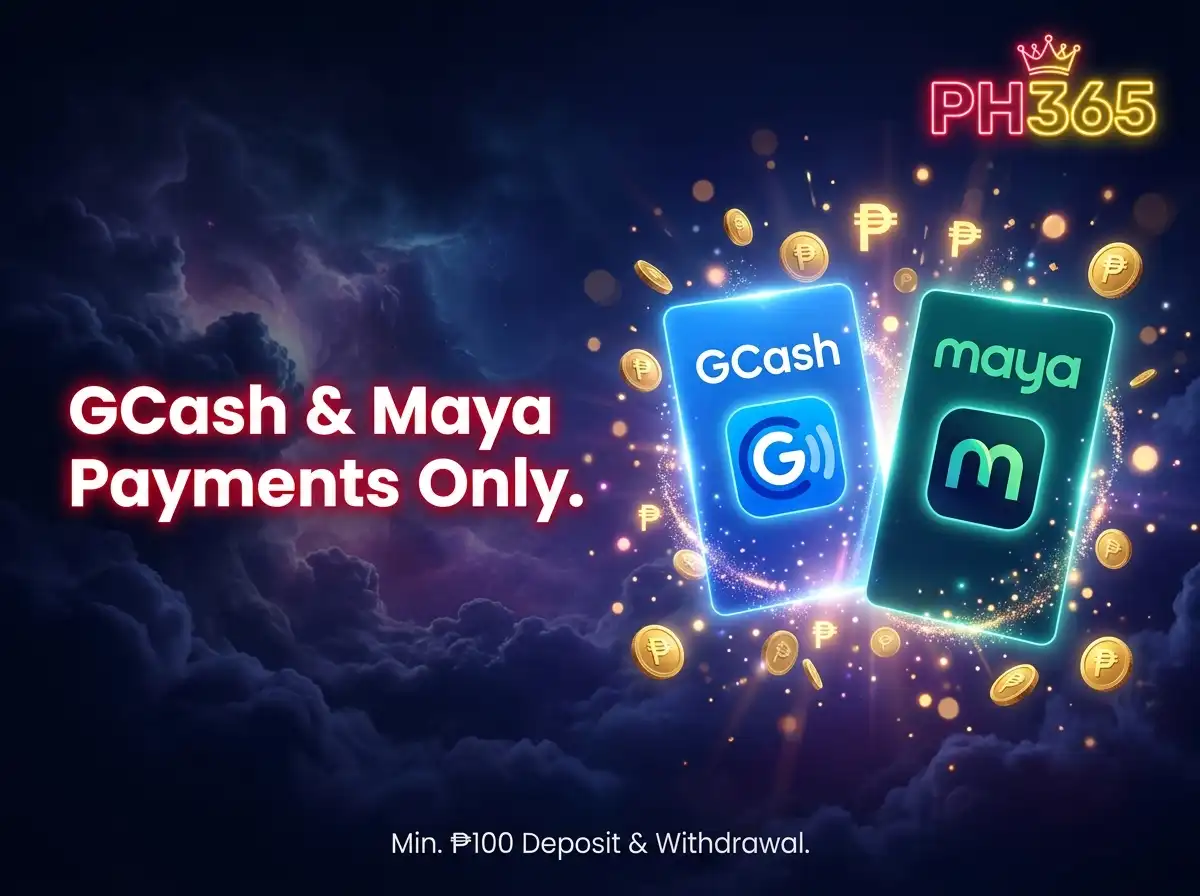
Once your PH365 account is active, you can fund it using GCash or Maya. These are the only accepted payment methods on ph365s.ph.
- Minimum deposit: ₱100
- Minimum withdrawal: ₱100
- No maximum withdrawal limit
- GCash and Maya only — no credit cards or bank transfers
- No ID required for standard withdrawals
Your registered full name must match the name on your GCash or Maya account. A name mismatch will block your withdrawal. Confirm this before you make your first deposit to avoid delays.
Deposits on PH365 are processed quickly. Once you send your deposit through GCash or Maya, your account balance is updated and you can start playing right away.
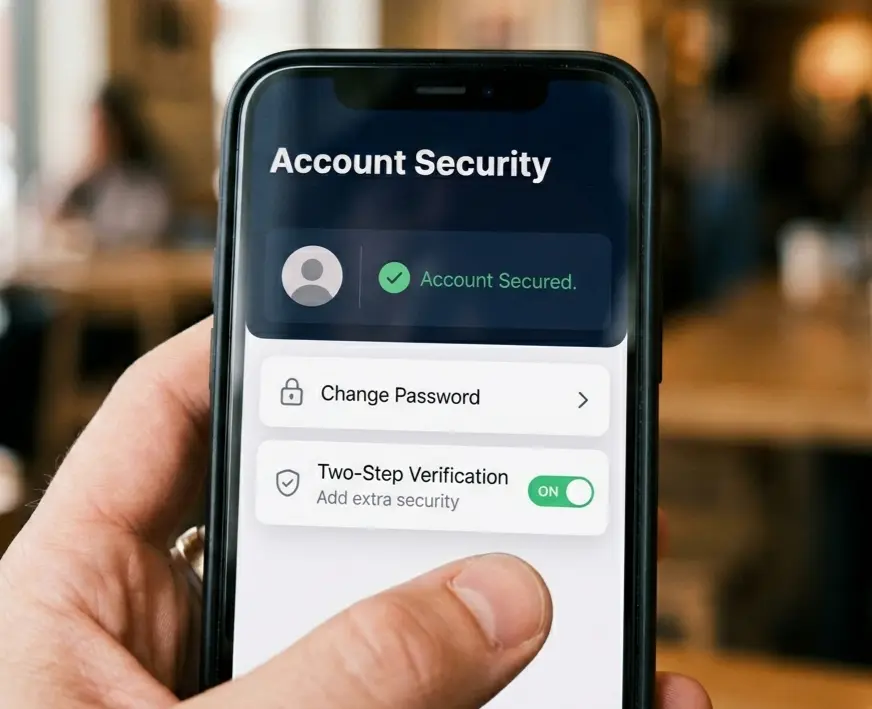
How to Keep Your PH365 Account Secure
After you register PH365, take a few steps to protect your account:
Use a strong and unique password. Do not reuse a password you use on other apps or websites. If someone gets access to your password from another platform, they could try it on your PH365 account too.
Do not share your login details. Your username and password are for your use only. PH365 staff will never ask for your password through any channel.
Access the platform only through the official ph365s.ph address. Phishing sites can look similar to the real site but are designed to steal your login details. Always double-check the URL before you log in.
Log out after each session, especially if you are using a shared or public device. This prevents others from accessing your account after you are done.
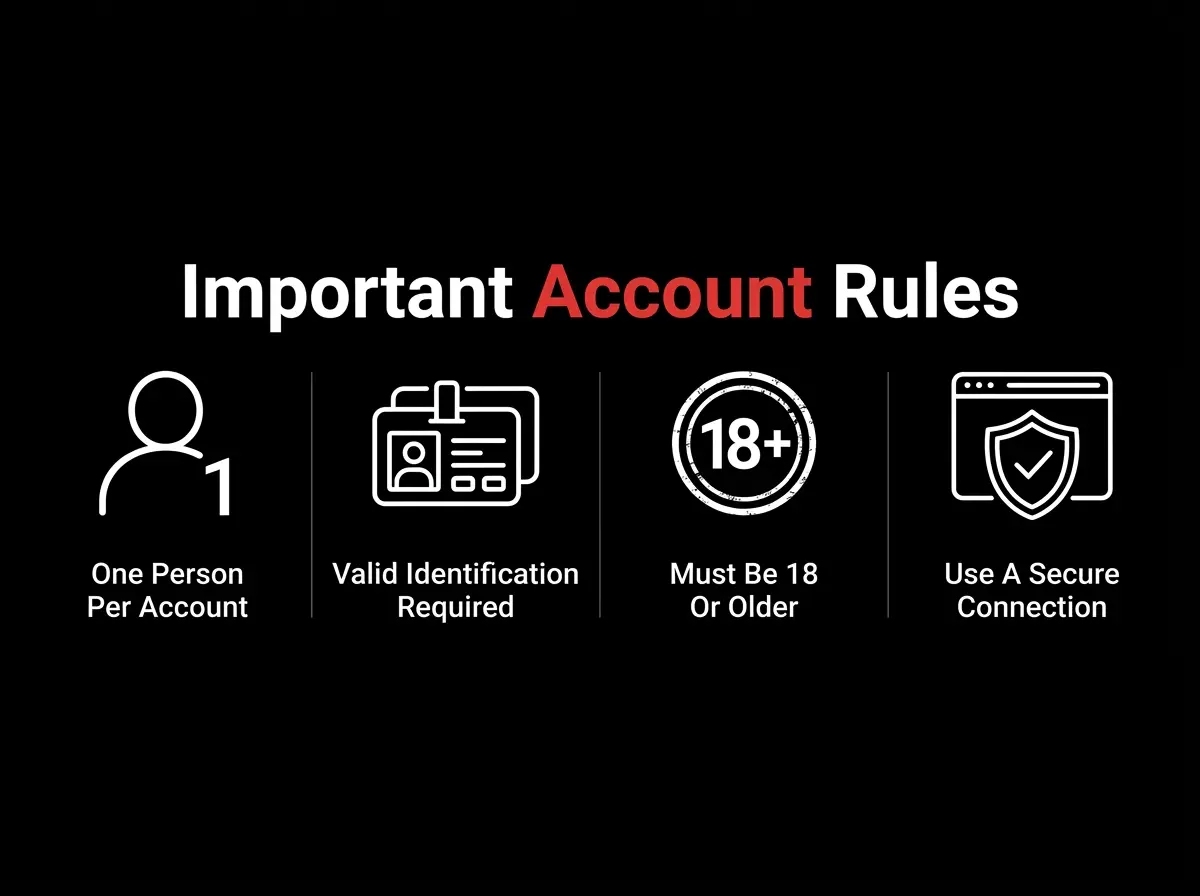
Important Account Rules
Keep these rules in mind after you register PH365:
One account per player. Opening more than one account is a violation of PH365 terms and can lead to suspension of all accounts linked to you. If you already have an existing account, do not create a new one. Use the forgot password option to recover access instead.
Your full name at registration must match your GCash or Maya account name at all times. If your name changes or you switch payment accounts, make sure the names still align before requesting a withdrawal.
You must be at least 18 years old to hold and use a PH365 account. Age requirements apply to all registered users.
Always access ph365s.ph using the official website address to protect your login credentials and personal information.
Responsible Gaming
PH365 supports responsible gaming for all Filipino players. Set a clear budget before you play and do not go beyond it. Online gaming is entertainment. It should not be used as a way to earn income or to recover financial losses.
It helps to decide on a spending limit before you log in each session. If you reach that limit, stop playing for the day. Chasing losses is one of the most common ways players end up spending more than they planned.
If you or someone you know needs help with gaming habits, reach out to the PAGCOR Responsible Gaming office at ResponsibleGaming@pagcor.ph.
PH365 operates under PAGCOR monitoring.
Frequently Asked Questions
Is registration on PH365 free?
Yes. Creating a PH365 account is free. You only spend money when you choose to make a deposit.
How old do I need to be to register?
Can I register using my mobile phone?
Why does my full name matter during registration?
Can I have more than one PH365 account?
What if I forget my password after registering?
Is my personal information safe when I register?
Our Partners